
Book a desk, right inside Microsoft Teams
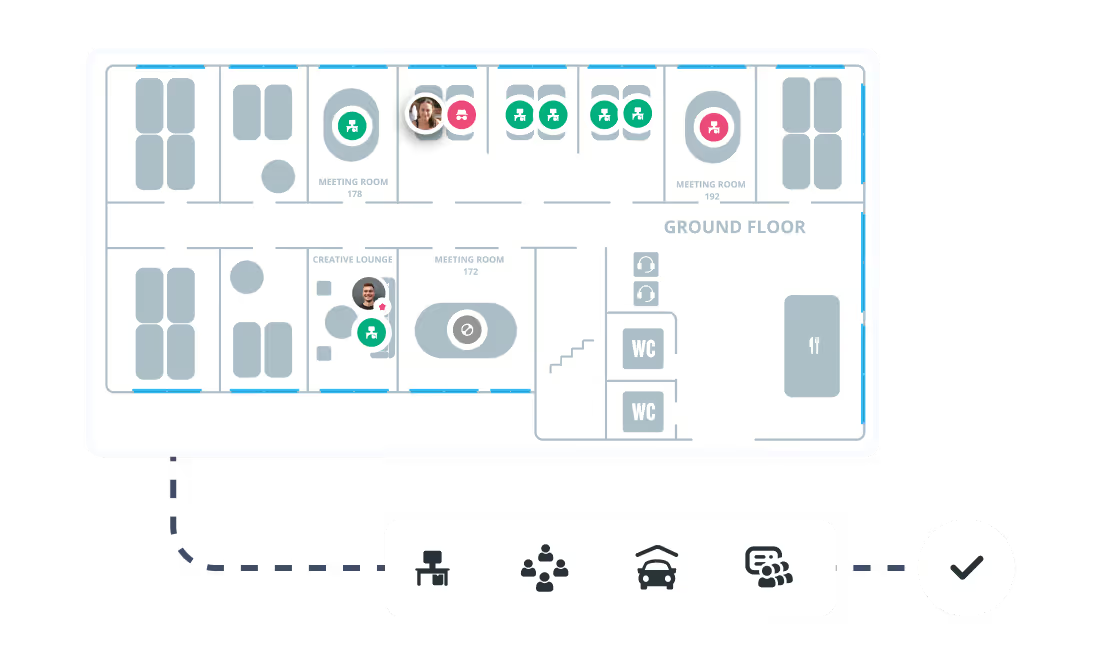
Book desks to the minute, assign fixed seats, repeat last week in one click. All inside Microsoft Teams, with no extra app and no training.


.svg)


%201.svg)

Everything that makes desk booking effortless
From a quick single booking to a team-wide space strategy, Seatti covers every use case without adding complexity.

Who is this for?

Employees
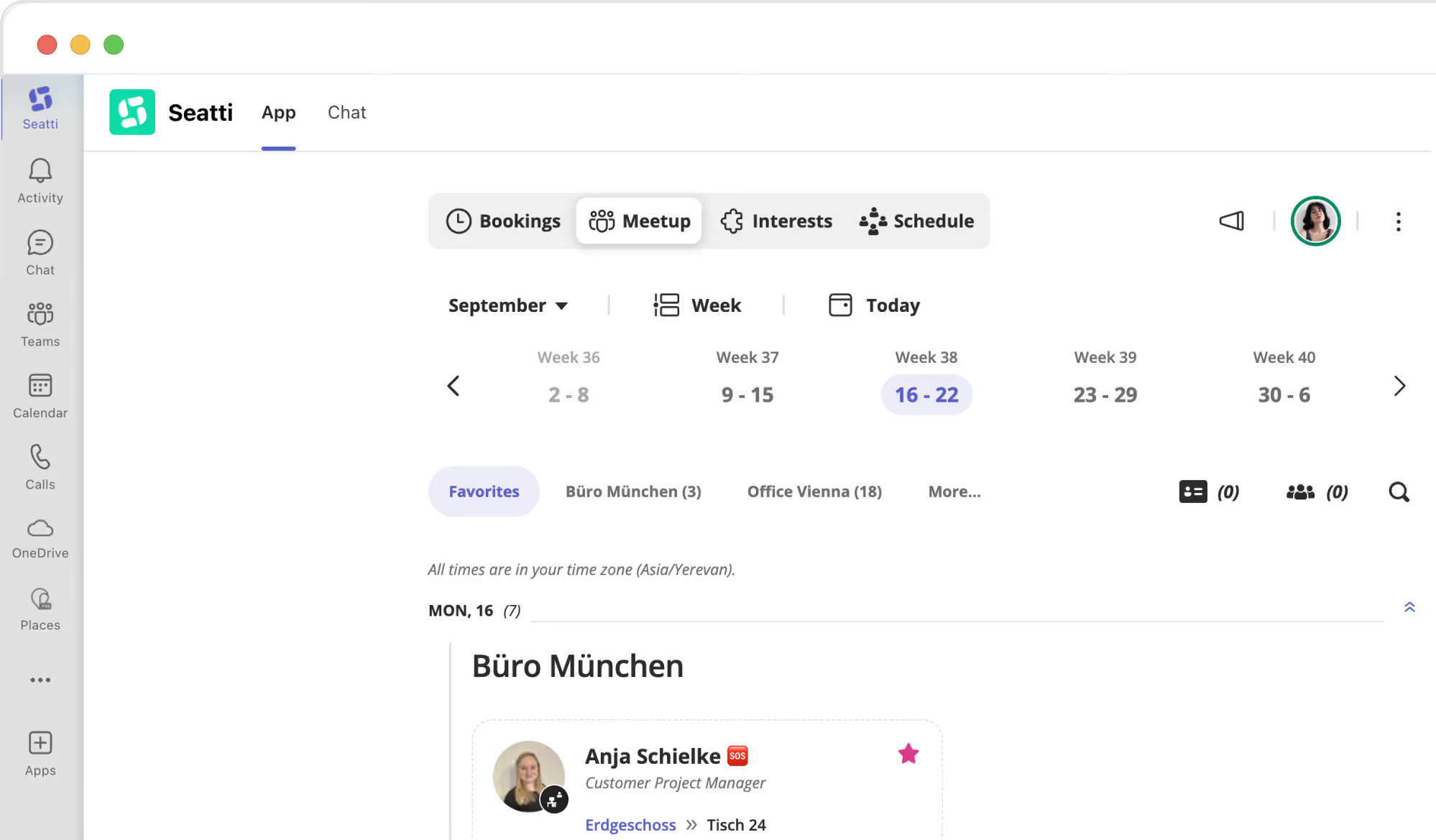
Book where you already are. No new app, no extra login. Reserve a desk in Microsoft Teams in seconds and always sit where you want to.
IT teams
Set it up once, then leave it alone. Central rollout through the Microsoft Teams Admin Center, with Entra ID provisioning every user automatically. No manual accounts.
Facility management
Real data instead of estimates. Live occupancy figures as the basis for space decisions, with documented cost savings of up to 30 percent.
HR and People Ops
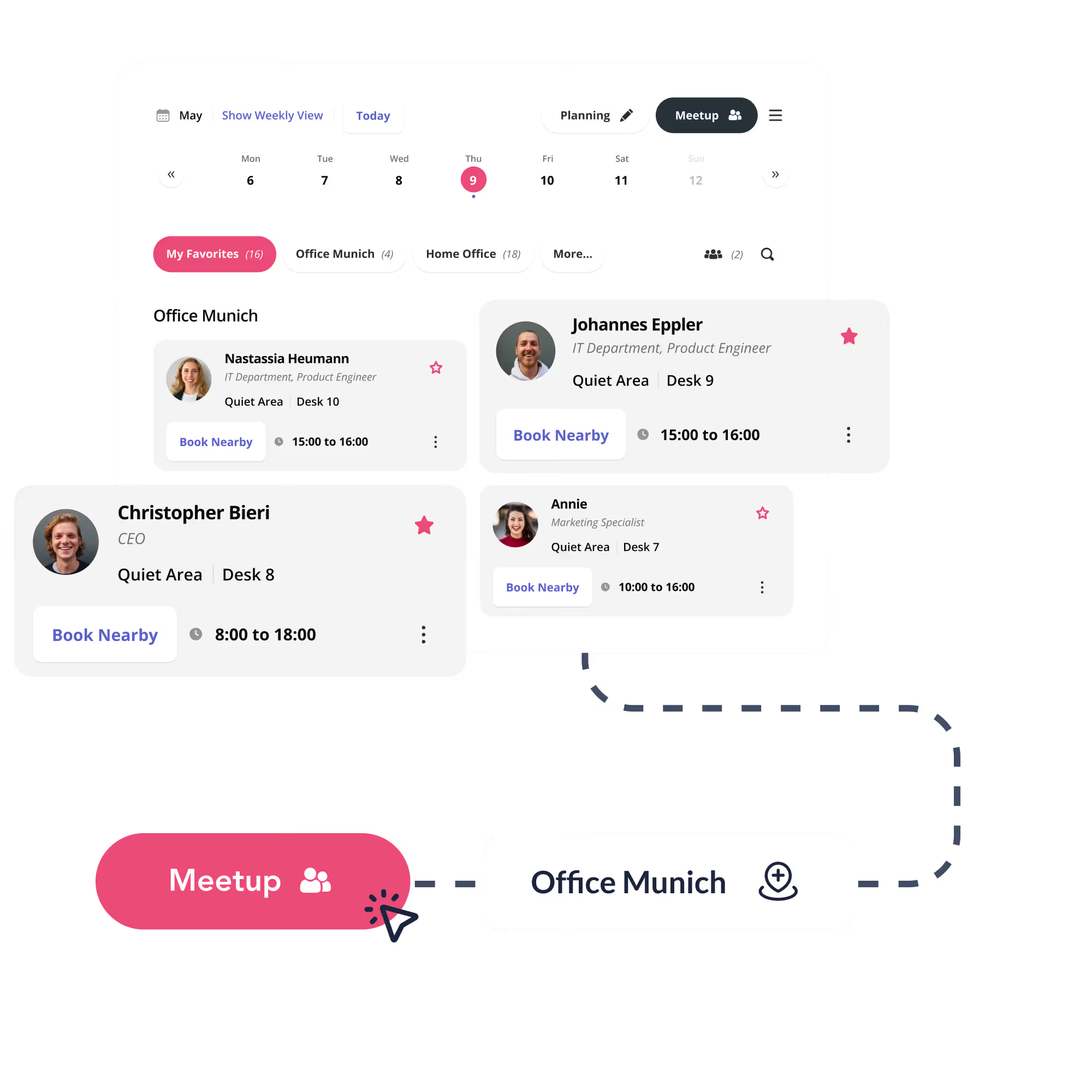
More office presence without a mandate. Seeing where colleagues are motivates people to come in, and usage reports show who comes in, when and how often.
100% GDPR compliant with a certified Microsoft integration
Seatti runs natively in Microsoft Teams, syncs with Outlook and manages users automatically through Microsoft Entra ID. EU servers, ISO 27001 certified, GDPR compliance without extra effort.
.avif)
FAQs: frequently asked questions
No. Seatti is built into Microsoft Teams. No separate login, no switching to a browser, nothing to install.
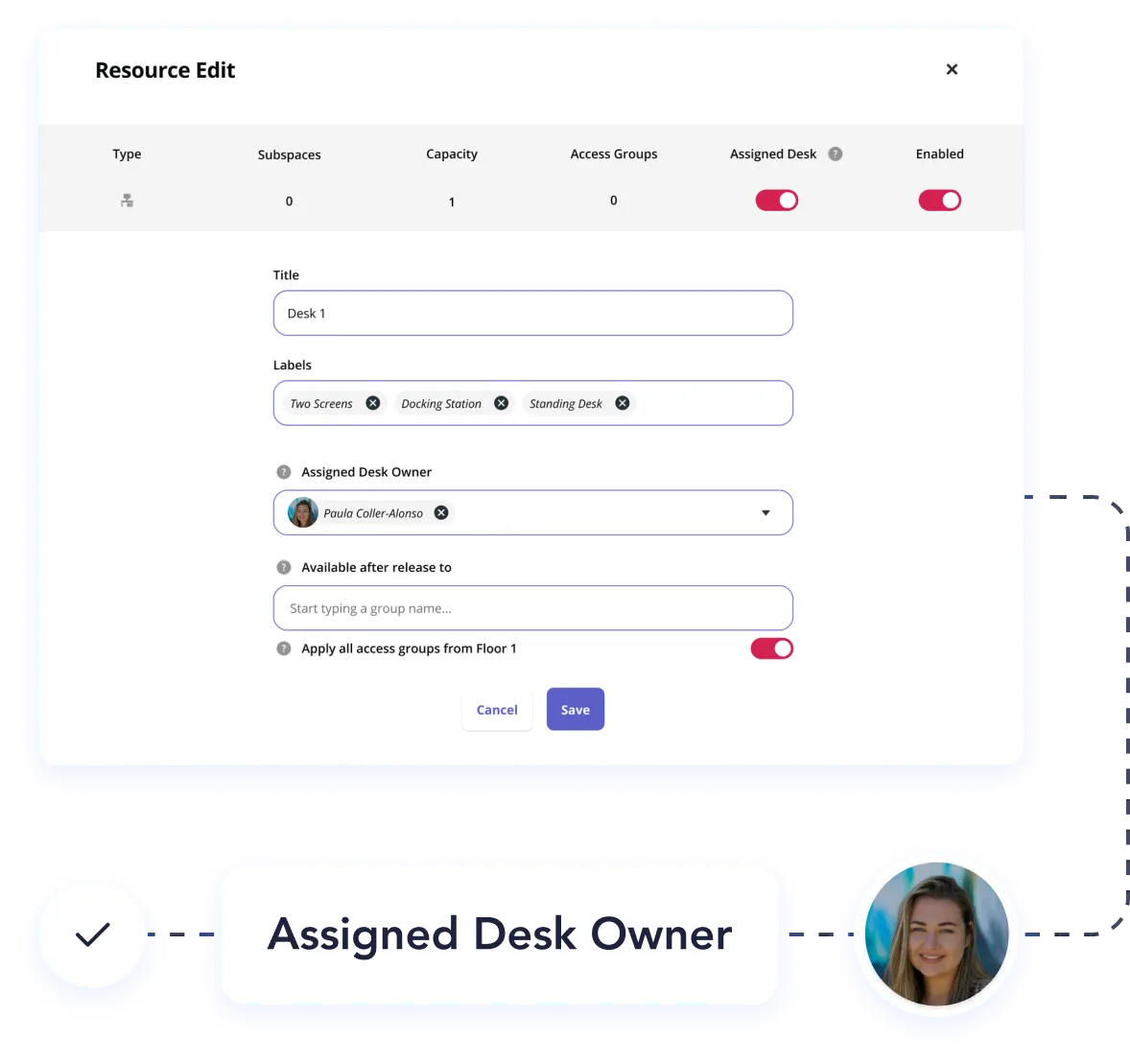
Yes. Fixed desks can be assigned to individuals or teams, and they are released automatically for others during absences.
Admins and authorised users can book desks on behalf of others. The person booked for is notified automatically in Teams.
Yes. Bookings can be configured so that other users do not see the name. Useful in privacy-sensitive environments.
Still have questions?
Lorem ipsum dolor sit amet, consectetur adipiscing elit.


.webp)
See Seatti live, in 30 minutes
We will show you Seatti live and work out together where the potential lies for your organisation. No obligation, no sales pressure. Try Seatti free and find the right setup with our team.
Subheading one
Lorem ipsum dolor sit amet, consectetur adipiscing elit. Suspend Varius Enim in Eros.
Subheading two
Lorem ipsum dolor sit amet, consectetur adipiscing elit. Suspend Varius Enim in Eros.